
Career and LinkedIn
LinkedIn AI Job Search: How AI Matches You With Jobs in 2026
By ProAccess Team, ProAccess.me · 13 October 2026 · 7 min read
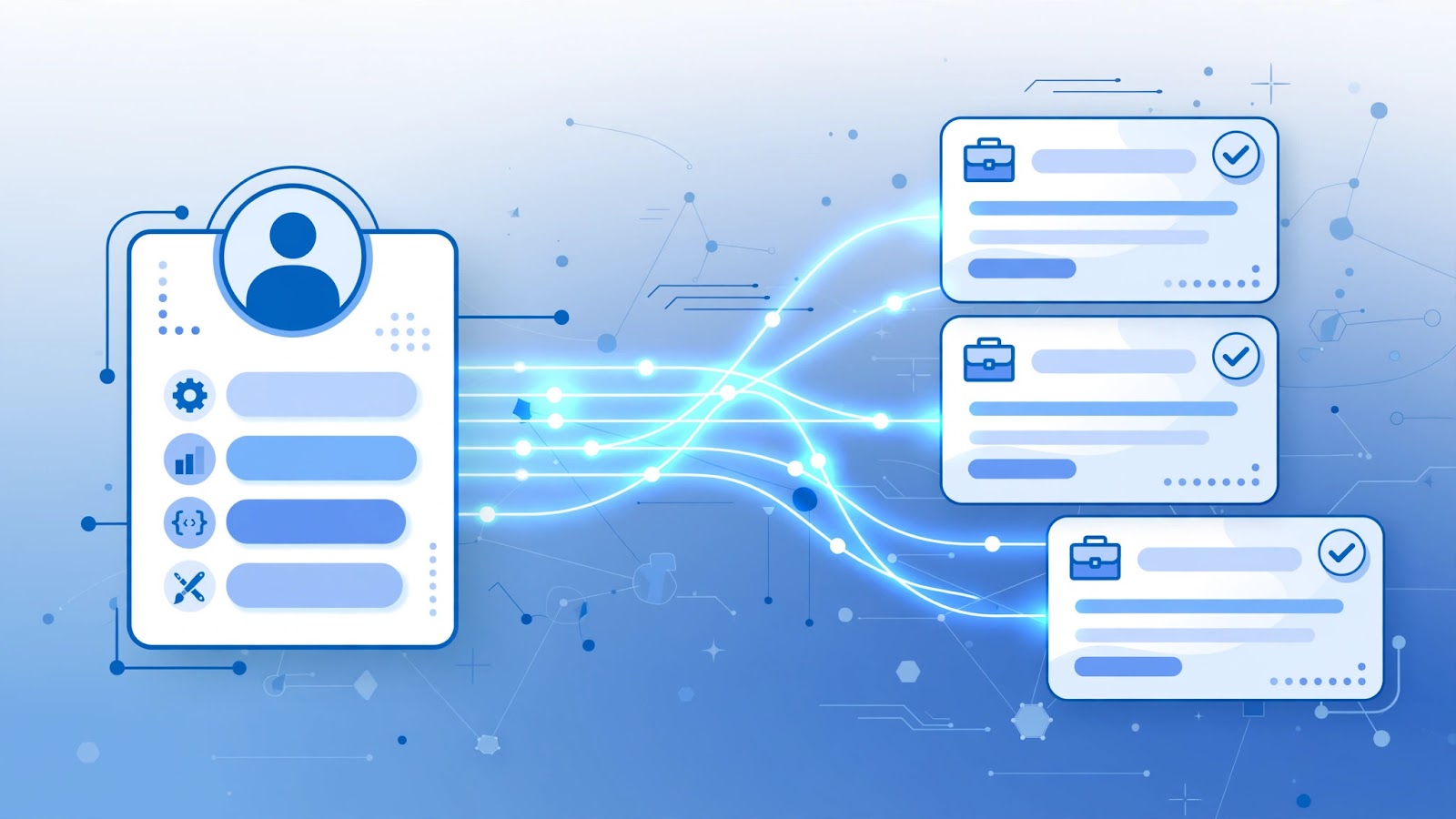
The job search has quietly changed. A few years ago, getting hired through LinkedIn meant typing keywords into the search bar, scrolling through listings, and hoping a recruiter noticed your application. In 2026, that flow is reversing: recruiters' AI tools now search for candidates the way you search for jobs — and they can invite you to apply before you ever click a button.
LinkedIn has spent the last two years weaving AI into the hiring pipeline. Its AI Hiring Assistant expanded globally in late 2025, and through 2026 the platform has been rolling out Hiring Pro, an AI hiring tool that scans candidate profiles for the right mix of experience, skills, and qualifications, then surfaces matching people to employers — sometimes with an invitation to apply attached.
What does that mean for you? Your LinkedIn profile is no longer just a page a recruiter reads. It is data an AI system reads first, to decide whether you fit a role. This guide explains how these tools work, what signals they read on your profile, and the practical steps you can take to make yours discoverable — whether your account is free or Premium.
What’s new in LinkedIn’s AI hiring toolkit
LinkedIn has released a steady stream of AI features for both sides of the hiring table. Here are the ones that matter most for job seekers:
- AI Hiring Assistant (expanded globally in September 2025) — used by recruiters to find and evaluate candidates. Unlike old keyword filters, it interprets qualifications: years of experience, the difference between mentioning a skill and demonstrating depth, and whether your profile evidence matches what the employer actually needs.
- Hiring Pro (rolling out through 2026) — the newest AI hiring tool. It proactively searches for candidates who match a role and can invite them to apply. In other words, you can be surfaced for a job before you apply.
- Conversational job search (January 2026) — job seekers can now describe the job they want in plain language instead of filling out filter forms.
- Premium Apply Assistant (rolling out since July 2026) — AI guidance that helps job seekers work through applications.
- LinkedIn Apply — this is the new name for “Easy Apply,” renamed in July 2026. Same streamlined application feature, new label.
- Job Tracker (March 2026) — an all-in-one view to manage every job application in one place.
- Custom mock interviews (September 2025) — AI-powered practice interviews with feedback, useful before the real thing.
What the hiring AI actually reads on your profile
The shift that matters most is this: matching now runs on evidence, not just keywords. An AI can understand much more than whether a word appears on your profile. Here is what it weighs:
1. Skills — especially verified ones
Your skills section is the primary matching surface. In June 2026 LinkedIn added “Connected Apps”, letting users verify and showcase technical expertise through integrations with supported apps and learning platforms. Verified skills carry more weight than self-added ones, so connect them wherever you can.
2. Experience with measurable results
The AI looks for qualification-specific detail: not just job titles, but what you achieved in each role. Numbers beat adjectives — “grew pipeline by 34%” tells the system more than “results-driven professional.” AI tools that help you write faster can also help you draft sharper resume bullet points and outreach messages.
3. Your headline and About section
The headline is the first thing both humans and AI parse. A headline that states your role and specialty (“Full-Stack Developer | React & Node.js”) matches far better than a clever tagline.
4. The Featured section
Portfolio links, work samples, certifications, and posts demonstrating expertise give the AI concrete evidence of what you can do. Empty Featured sections are missed opportunities.
5. Credentials and verifications
Verified identity, workplace, and education signals strengthen your profile’s credibility as data. Keep them current.
6. Consistency between your resume and your profile
Recruiting AI compares sources. If your resume says “Senior Analyst” and your profile says “Analyst,” the mismatch weakens the signal. Tell the same story everywhere.
How to make your profile discoverable: 7 practical steps
- Mirror the language of your target job descriptions. If employers write “pipeline management” and you wrote “sales ops,” update your skills to include the exact terms.
- Rewrite your headline as role + specialty. Skip the slogans; write what a recruiter — or their AI — would search for.
- Add measurable results to every experience. Revenue influenced, costs reduced, users served, projects shipped: pick the metrics your field respects.
- Fill the Featured section with proof. Link your portfolio, key projects, certifications, and your best professional posts.
- Verify what you can. Connect apps that verify your technical skills and keep credentials up to date.
- Align your resume with your profile. Same titles, same dates, same story.
- Turn on job-seeking signals and stay active. Use “Open To Work” settings, set job alerts for your target roles, and engage thoughtfully — meaningful comments and posts keep your profile fresh in the system.
AI tools that help job seekers, compared
With so many new features, it helps to see them side by side:
| Tool | What it does | Who it’s for |
|---|---|---|
| Conversational job search | Describe the job you want in your own words | All users |
| LinkedIn Apply (formerly Easy Apply) | Streamlined applications without leaving LinkedIn | All users |
| Premium Apply Assistant | AI guidance while you complete applications | Premium subscribers |
| Job Tracker | Manage all your applications in one view | All users |
| Custom mock interviews | Practice interviews with AI feedback | All users |
| Connected Apps skill verification | Verify technical skills through integrations | All users |
Where LinkedIn Premium fits in
Here is the honest answer: none of the AI matching tools require a Premium subscription — they read the same profile data whether your account is free or paid. What Premium adds are tools that help you act on what the matching finds. LinkedIn Career Premium is built for job seekers: it shows who viewed your profile, gives applicant insights on jobs you are considering, and opens messaging options beyond your immediate network so you can reach out to recruiters directly.
If you are a professional or small team building a business presence rather than job hunting, LinkedIn Business Premium focuses on networking and business tools instead. Pick the plan that matches your goal — the profile optimization steps above work identically for both.
A free account is a perfectly fine starting point. Treat Premium as an accelerator: it amplifies a well-built profile, but it cannot rescue one that is vague, outdated, or missing its key skills.
Frequently asked questions
What is LinkedIn’s Hiring Pro?
Hiring Pro is an AI hiring tool LinkedIn has been rolling out to recruiters. It searches for candidates whose experience, skills, and qualifications match a role and can invite them to apply — which means you can be surfaced for a job before you ever apply.
Do I need LinkedIn Premium to be found by AI hiring tools?
No. The matching tools read the same profile data on free and Premium accounts. Premium adds visibility and outreach tools — such as seeing who viewed your profile and messaging outside your network — which help you act on the opportunities the AI surfaces.
How do I make my LinkedIn profile readable to hiring AI?
List the exact skills from your target job descriptions, write a headline with your role and specialty, add measurable results to each experience, keep your resume and profile consistent, and verify skills and credentials where LinkedIn allows it.
What is the difference between LinkedIn Apply and Easy Apply?
They are the same feature with a new name — LinkedIn renamed Easy Apply to LinkedIn Apply in July 2026.
Can AI help me prepare for interviews?
Yes. LinkedIn added AI-powered custom mock interviews for job seekers, which let you practice answers and receive feedback before the real interview.
The bottom line
The job market is moving toward a world where the job finds you first. That only works in your favor if your profile gives the AI something clear to read: exact skills, measurable results, proof of your work, and a consistent story across your resume and profile.
Set aside an hour this week to audit your profile against the seven steps above. And if you want a deeper toolkit for the job hunt, browse the ProAccess.me catalog — alongside LinkedIn Premium plans you will find AI writing tools, voice assistants, and productivity subscriptions that make every application stronger.
FAQ
What is LinkedIn's Hiring Pro?
Hiring Pro is an AI hiring tool LinkedIn has been rolling out to recruiters. It searches for candidates whose experience, skills, and qualifications match a role and can invite them to apply — which means you can be surfaced for a job before you ever apply.
Do I need LinkedIn Premium to be found by AI hiring tools?
No. The matching tools read the same profile data on free and Premium accounts. Premium adds visibility and outreach tools — such as seeing who viewed your profile and messaging outside your network — which help you act on the opportunities the AI surfaces.
How do I make my LinkedIn profile readable to hiring AI?
List the exact skills from your target job descriptions, write a headline with your role and specialty, add measurable results to each experience, keep your resume and profile consistent, and verify skills and credentials where LinkedIn allows it.
What is the difference between LinkedIn Apply and Easy Apply?
They are the same feature with a new name — LinkedIn renamed Easy Apply to LinkedIn Apply in July 2026.
Can AI help me prepare for interviews?
Yes. LinkedIn added AI-powered custom mock interviews for job seekers, which let you practice answers and receive feedback before the real interview.
Looking for premium tools?
Browse ProAccess store