
AI Tools and Productivity
AI Voice Typing: How Voice Dictation Tools Help You Write Faster at Work
By ProAccess Team, ProAccess.me · 12 October 2026 · 5 min read
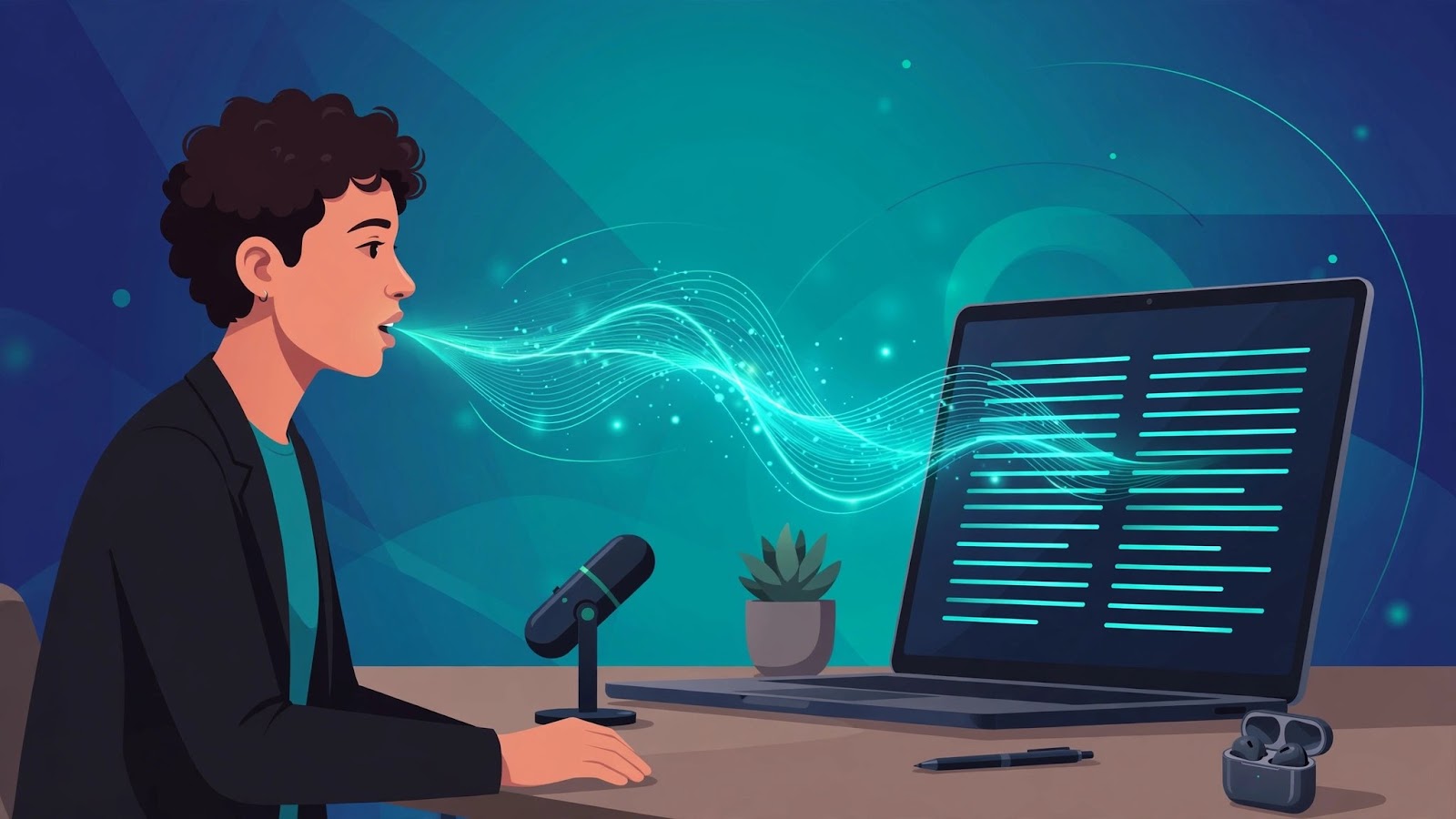
Most people speak much faster than they type. That simple gap is why AI voice typing has quietly become one of the most practical productivity upgrades of the last two years. Instead of tapping out every email, note and document on a keyboard, you talk — and an AI turns your speech into clean, formatted text, almost anywhere you write.
This guide explains how modern voice dictation actually works, where it saves the most time, its honest limitations, and how to get started with a tool such as Wispr Flow.
What is AI voice typing?
Voice typing (also called voice dictation or speech-to-text) converts spoken words into written text. Older dictation software transcribed word for word, including every "um", false start and missing full stop, which is why many people tried it once and gave up.
Modern AI voice typing adds a second step: after transcribing, an AI model cleans up the text. It removes filler words, fixes punctuation, formats lists, and adjusts tone to match where you are writing — a formal email sounds different from a quick chat message. The result reads like something you typed carefully, not something you said out loud.
How it works, step by step
- Capture: You press a shortcut and speak into your microphone — a laptop mic, headset or phone.
- Transcription: A speech recognition model converts audio into raw text, trained on many accents and speaking styles.
- AI cleanup: A language model edits the draft: punctuation, capitalisation, filler removal, and formatting such as bullet points when you say "first… second…".
- Insertion: The polished text appears directly in the app you were using — email, documents, chat, or a browser form.
Where voice typing saves the most time
- Emails and long replies: Talk through your answer in one pass, then edit briefly instead of typing from a blank page.
- Documents and reports: First drafts, meeting summaries and project updates are natural spoken material.
- Notes and brainstorming: Capture ideas at speaking speed before they disappear — organisation can come later.
- Chats and support replies: System-wide tools work inside messaging apps, so customer replies and team updates get faster too.
- Accessibility and comfort: If typing causes strain, or you work away from a desk, voice is a genuine alternative input method, not a gimmick.
Voice typing vs keyboard typing
| Situation | Keyboard | AI voice typing |
|---|---|---|
| Long first draft | Slow, easy to stall | Fast, natural flow |
| Short precise edits | Best choice | Awkward |
| Shared or noisy office | Quiet and private | Needs a quiet corner |
| Code and formulas | Precise control | Possible, but check output carefully |
| On the move | Hard without a desk | Works with a phone or headset |
The sensible workflow is hybrid: draft by voice, refine by keyboard. Most people keep the keyboard for editing and use voice for everything that starts as a blank page.
How to get started
- Pick one tool and one use case. Start with email or notes — not your most important document of the year.
- Use a decent microphone. A laptop mic works; a headset reduces background noise and improves accuracy.
- Speak naturally, in full sentences. Do not slow down dramatically or over-enunciate; modern models are trained on normal speech.
- Learn two or three commands. "New paragraph", "bullet list" and "scratch that" cover most formatting needs.
- Always do a quick read-through. Names, numbers and technical terms deserve a ten-second check before you send.
If you want a tool built specifically for this workflow, Wispr Flow on ProAccess.me is designed to work across your apps with AI cleanup of filler words and formatting. Check the product page for the current plan, validity and device details before you buy, and browse the wider AI and productivity catalog for related tools.
Limitations to know about
- Privacy: Many tools process audio in the cloud. Read the provider's privacy policy before dictating sensitive client, legal or medical information.
- Noise: Fans, traffic and open-plan offices reduce accuracy. A headset and a quieter spot make a visible difference.
- Accents and code-switching: Current models handle a wide range of accents and mixed-language speech far better than older software, but results vary — test with your own voice before committing.
- It is a draft, not a signature: Voice output still needs your review, exactly like anything an assistant drafts for you.
Frequently Asked Questions
Q: Is voice typing really faster than keyboard typing?
A: For most people, yes for drafting: natural speech is typically faster than average typing speed. The biggest gains appear in long emails, documents and notes. Short edits and precise formatting are still quicker on a keyboard, which is why a hybrid workflow works best.
Q: Does AI voice dictation work across different apps?
A: System-wide tools such as Wispr Flow are designed to insert text wherever your cursor is — email clients, documents, browsers and chat apps — rather than only inside one app's own editor. Check the product page for the platforms currently supported.
Q: Can voice typing handle accents and mixed languages?
A: Modern AI models are trained on diverse speech and handle many accents and everyday code-switching (for example, English mixed with Hindi) far better than older dictation software. Accuracy still varies by speaker and environment, so a short personal test is the most reliable check.
Q: Is my voice data private?
A: It depends on the provider. Some process audio on their servers; policies on retention and training use differ. Before dictating anything confidential, read the tool's privacy policy and prefer tools that clearly state how recordings are handled.
The bottom line
AI voice typing is not a novelty feature any more — it is a practical way to turn thinking speed into writing speed. Start with one everyday task, keep the keyboard for final edits, and within a week the blank page stops being the slowest part of your work.
Next step: Read more guides on the ProAccess.me blog, or explore Wispr Flow and other AI subscriptions in the catalog to find the setup that fits your workflow.
FAQ
Is voice typing really faster than keyboard typing?
For most people, yes for drafting: natural speech is typically faster than average typing speed. The biggest gains appear in long emails, documents and notes. Short edits and precise formatting are still quicker on a keyboard, which is why a hybrid workflow works best.
Does AI voice dictation work across different apps?
System-wide tools such as Wispr Flow are designed to insert text wherever your cursor is — email clients, documents, browsers and chat apps — rather than only inside one app's own editor. Check the product page for the platforms currently supported.
Can voice typing handle accents and mixed languages?
Modern AI models are trained on diverse speech and handle many accents and everyday code-switching (for example, English mixed with Hindi) far better than older dictation software. Accuracy still varies by speaker and environment, so a short personal test is the most reliable check.
Is my voice data private?
It depends on the provider. Some process audio on their servers; policies on retention and training use differ. Before dictating anything confidential, read the tool's privacy policy and prefer tools that clearly state how recordings are handled.
Looking for premium tools?
Browse ProAccess store