
Digital Marketing and Automation
Transactional vs Marketing Email: A Practical Setup Guide
By Andrew Stanenbaum, Author · 12 October 2026 · 6 min read
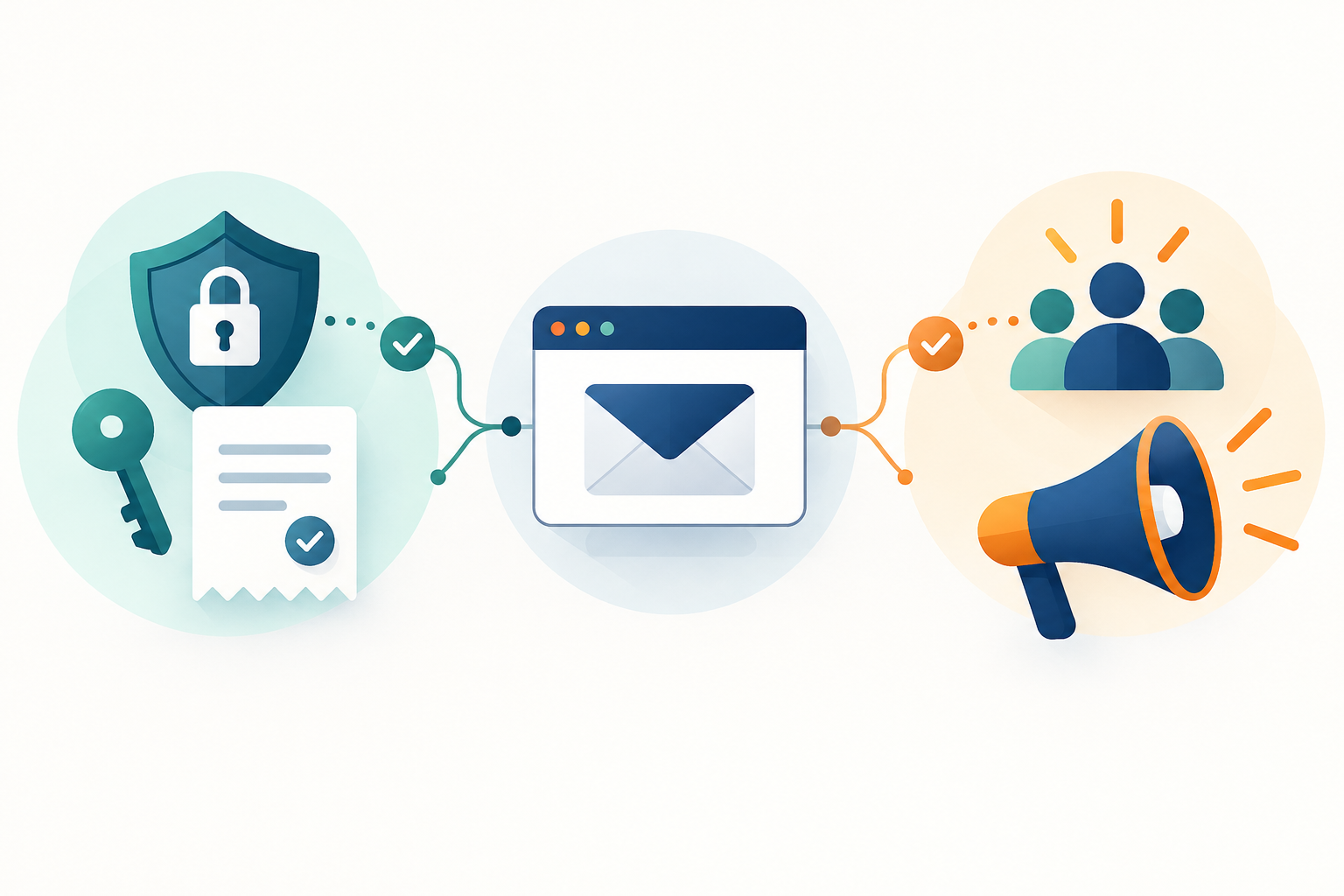
A customer requests a password reset while your business sends its monthly newsletter. Both messages are email, but they have different jobs, permissions, and failure costs. A delayed newsletter is inconvenient. A missing password reset can lock someone out of your product.
Understanding transactional vs marketing email helps you choose suitable subscriptions and build reliable workflows. This guide explains where each category belongs, how to separate them, and what to check before paying for an email platform.
What is the difference between transactional and marketing email?
Transactional email supports an action, account relationship, or service the recipient has requested. Examples include purchase receipts, password resets, shipping updates, and security alerts. The message should primarily help someone complete or understand that transaction.
Marketing email promotes a product, offer, event, or commercial relationship. Newsletters, discount announcements, product recommendations, and re-engagement campaigns typically belong here. Their purpose is to encourage interest or additional business rather than deliver an essential service message.
The boundary depends on purpose and content, not your internal label. Calling a discount campaign an “account update” does not make it transactional. Legal definitions and consent requirements vary by jurisdiction, so check the rules applicable to your audience.
Classify common messages by their main purpose
- Password reset: transactional when requested by the account holder.
- Payment receipt: transactional when it confirms an actual purchase.
- Weekly offers: marketing, even when sent only to existing customers.
- Abandoned-cart reminder: usually marketing; do not assume a checkout visit grants permission.
- Welcome email: context-dependent. Account confirmation differs from a sequence of promotional recommendations.
Why separate your email streams?
Separation makes operational decisions clearer. Transactional messages need timely delivery and accurate event handling. Marketing campaigns need audience selection, permission records, preference management, and unsubscribe processing.
Separate streams also make problems easier to diagnose. If a campaign produces complaints, you want to identify the affected traffic quickly without confusing it with account notifications. Providers may offer separate streams, projects, credentials, or subaccounts; the available controls vary.
Distinct subdomains can help organise traffic and reputation monitoring, but they are not a guarantee of complete reputation isolation. Mailbox providers assess multiple signals. Good authentication cannot compensate for unwanted messages or poor list quality.
Start with an email event map
Before comparing subscriptions, list every message your business sends. For each one, record its trigger, recipient, purpose, timing, owner, and unsubscribe or suppression behaviour. This turns a vague requirement into a practical buying checklist.
For example, an online course business might send payment receipts, account invitations, lesson reminders, and promotional course announcements. These should not automatically share one audience rule merely because they concern the same product.
- Identify the trigger: a confirmed payment, account request, scheduled campaign, or recorded preference.
- Define eligibility: who should receive it and why.
- Set urgency: distinguish immediate messages from those that can wait.
- Choose the sending route: transactional service or marketing platform.
- Define failure handling: specify retries, alerts, and support ownership.
Record the authoritative source for each event. A receipt should follow a verified payment result, not just a browser redirect to a thank-you page.
Choose tools by responsibility, not feature count
A transactional sending service
Look for API or SMTP access, domain authentication, delivery-event reporting, bounce handling, and useful logs. Evaluate template maintenance, credential permissions, and how the service handles duplicate requests. Check current documentation rather than assuming every plan includes the same controls.
If you are considering Resend access, compare the listing with Resend’s official plan documentation. Confirm sending limits, domain allowances, account ownership, and usage-based charges before connecting a production application.
A marketing or lifecycle platform
Marketing workflows need segmentation, consent-aware audience rules, unsubscribe handling, and campaign reporting. Lifecycle messaging may combine behavioural triggers with marketing journeys, so configuration matters as much as the tool category.
For an option such as Customer.io Essentials, verify current channel support, billing metrics, data requirements, and plan limits against official information. Contact-based and usage-based billing can create different costs as your audience grows.
An automation layer
An automation tool can connect events across your payment system, application, CRM, and email service. It does not replace your sending provider or establish permission to email someone.
If you evaluate n8n Starter, check execution allowances, hosting arrangements, credential management, and error-handling options. Keep urgent messages on a path with clear monitoring and predictable failure recovery.
Authenticate your sending domain
Email authentication helps receiving systems assess whether a message is authorised to use your domain. Follow your sending provider’s current instructions and coordinate changes with whoever manages your DNS.
- SPF: authorises sending sources for the envelope-sender domain. Avoid publishing multiple SPF records for the same domain.
- DKIM: adds a cryptographic signature that receiving systems can verify.
- DMARC: checks alignment with the visible From domain and provides policy and reporting mechanisms.
Inventory legitimate senders before tightening a DMARC policy. A staged rollout, using reports to find configuration problems, is usually safer than immediately rejecting mail. Authentication improves trust signals but does not guarantee inbox placement.
Treat consent and unsubscribe status as application data
Do not store permission only inside a spreadsheet or someone’s memory. Keep a record of the signup source, timestamp, wording shown, and relevant preference changes. Collect only the information needed for your compliance and operational requirements.
Keep marketing preferences separate from essential service notifications. A customer who unsubscribes from offers may still need a receipt, but that does not permit promotional content disguised as a receipt. Apply applicable law and your provider’s policies.
Process unsubscribe requests, complaints, and bounces promptly. Preserve suppression information during migrations so an import does not accidentally reactivate opted-out contacts. A purchased contact list is not evidence of valid permission to send marketing.
Build retries without sending duplicates
Automation fails in ordinary ways: requests time out, services pause, and events arrive twice. Plan for those conditions before launch.
- Assign a stable event ID: connect each intended message to a specific business event.
- Track sending state: distinguish queued, submitted, failed, and provider-reported delivery events.
- Use idempotency where supported: prevent repeated processing from creating duplicate messages.
- Retry selectively: temporary failures may justify retries; invalid addresses generally do not.
- Escalate unresolved failures: send alerts to an owner instead of retrying indefinitely.
A successful API response usually means the provider accepted the request, not that the message reached the inbox. Use delivery events and appropriate monitoring to understand what happened next.
Protect credentials and message data
Keep sending credentials on the server, never in public browser code or shared documents. Use narrowly scoped permissions where available, separate test and production credentials, and rotate exposed secrets promptly.
Logs should help troubleshoot without unnecessarily exposing message bodies, personal details, or reset links. Password-reset links should use short-lived tokens, and logging should avoid capturing usable tokens. Review retention settings and who can access customer data.
Where webhooks report delivery events, validate their authenticity using the provider’s documented method. Otherwise, forged events could incorrectly change message status or suppress legitimate recipients.
Run a small pre-launch test
Test the complete workflow, not just the template preview. Check mobile readability, plain-text content, links, sender identity, and reply handling. Simulate a duplicate event, an unsubscribe, a rejected address, and a temporary provider failure.
Before purchasing, confirm who controls the account, domain settings, billing, data exports, and cancellation. For listing-specific questions, contact ProAccess.me support; use the software provider’s official documentation to verify technical capabilities and current terms.
The best setup is the simplest one that preserves permission, protects essential messages, and makes failures visible. Start with clearly separated responsibilities, then add automation when you can monitor and maintain it.
Browse premium tools and subscriptions at ProAccess.me.
FAQ
What is the main difference between transactional and marketing email?
Transactional email primarily supports a requested action or service relationship, such as a receipt or password reset. Marketing email primarily promotes products, offers, or further engagement. Classification depends on purpose, content, and applicable law.
Can one provider send both transactional and marketing email?
Yes, if the provider supports both uses and its policies allow them. Keep message streams, consent rules, suppression handling, and monitoring clearly organised. Separate providers are an option, not a universal requirement.
Do transactional emails need an unsubscribe link?
Requirements depend on the message and jurisdiction. Essential service messages may be treated differently from marketing, but adding promotional content can change that assessment. Check applicable law and provider policies rather than assuming all automated messages are exempt.
Does SPF, DKIM, and DMARC setup guarantee inbox delivery?
No. Authentication helps establish authorised domain use, but inbox placement also depends on reputation, recipient engagement, complaints, message content, and other mailbox-provider signals.
Do I need an automation platform to send transactional email?
Not necessarily. Your application can send directly through a provider’s API or SMTP service. An automation platform can help connect multiple systems, but it adds another component that needs security, monitoring, and failure handling.
Looking for premium tools?
Browse ProAccess store