
AI Tools and Productivity
How to Detect AI-Generated Videos: A Practical Guide for 2026
By ProAccess Team, ProAccess.me · 22 October 2026 · 9 min read
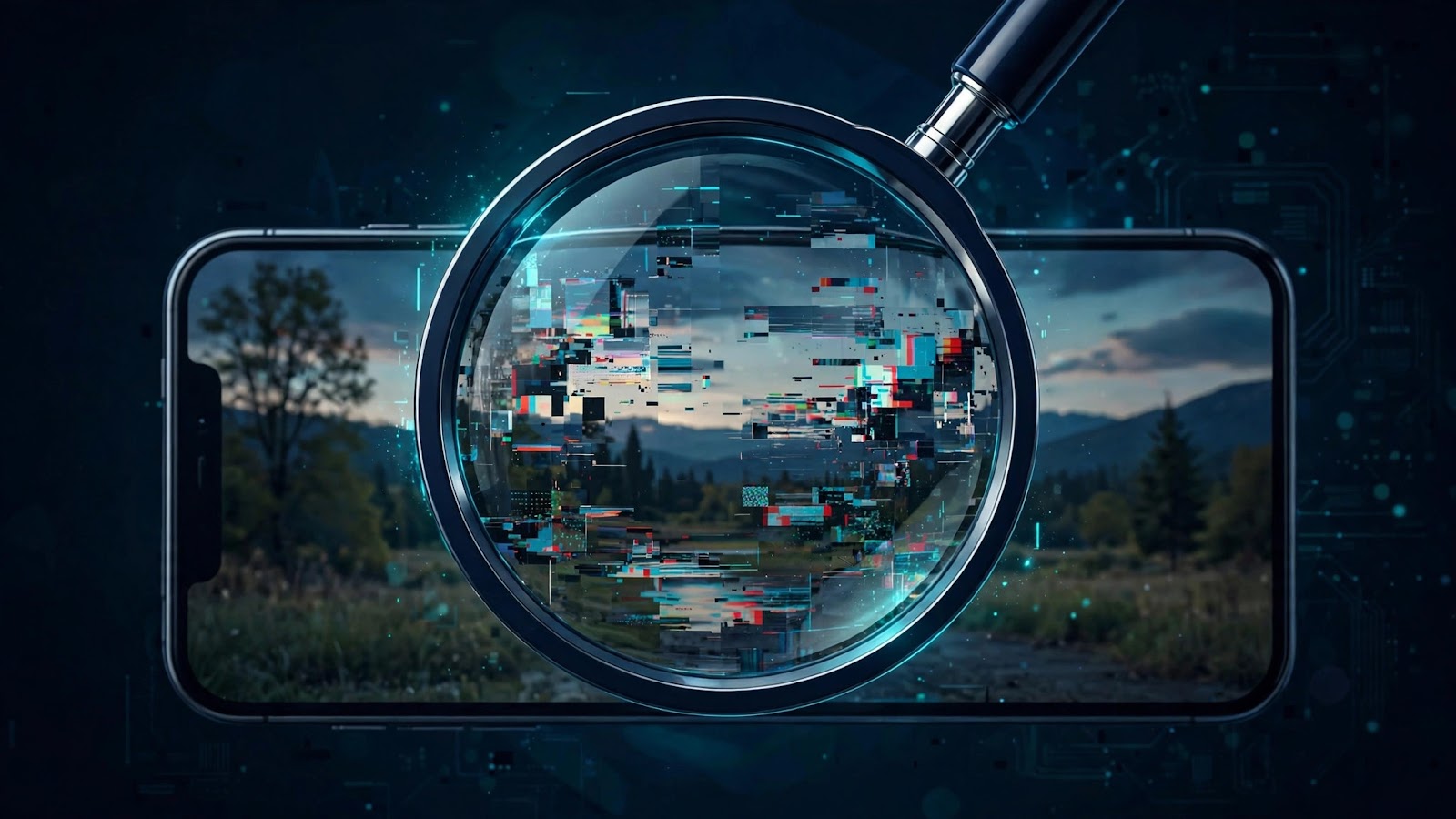
On October 21, 2026, Bengaluru City Police arrested a 25-year-old migrant worker for allegedly creating and posting an AI-generated video showing a bomb blast at Vidhana Soudha, Karnataka's seat of government. The clip, posted on Instagram on October 20 with the caption "Vidhanasabha Uda Diya Bam se," went viral before police confirmed the footage was fabricated and booked the accused under Section 353 of the Bharatiya Nyaya Sanhita (BNS). Police also warned the public that AI-video misuse can cause mass panic.
Today's AI video generators are so realistic that a fake explosion at one of India's most recognisable landmarks fooled thousands before authorities stepped in. This guide gives you a practical system for spotting AI-generated videos before you believe or share them.
Why You Need Detection Skills in 2026
Deepfake detection is no longer just for journalists. Fake videos surface in family WhatsApp groups, news feeds, and election discourse — and one convincing clip can trigger panic before the truth catches up. The good news: AI video still leaves fingerprints — visual, audio, and technical — and once you know where to look, most fakes fall apart on inspection.
How AI Video Generators Build Footage (and Why It Glitches)
Modern AI video tools generate footage frame by frame, predicting how pixels should move based on a text prompt or reference image. The results are impressive, but the models are essentially guessing at reality — and guesses go wrong in specific, repeatable ways:
- Hands and limbs are a classic weak point, because the model must track complex joints across frames.
- Text and signage in the background often appear as gibberish — the model renders the shape of text without understanding the letters.
- Physics is improvised: shadows fall the wrong way, liquids move oddly, reflections don't match their sources.
- Temporal consistency slips: a jacket button, earring, or background detail may appear, vanish, and reappear between cuts.
Understanding this generation process is the single biggest upgrade you can make to your detection ability. Tools in the Runway class of AI video generators are what the world's creators use to produce realistic synthetic footage — which is exactly why learning how they work teaches you what to look for. If you work with AI video yourself, Runway Pro is the professional-tier way to explore the technology responsibly and understand its capabilities from the inside.
Quick Visual Tells: Spotting a Fake in 30 Seconds
Run through this checklist the moment a dramatic video crosses your screen:
- Study the hands and face. Extra or missing fingers, melting facial features at the edges, and skin that looks waxy or overly smooth are classic AI artifacts.
- Read the background text. Street signs, shop names, and on-screen banners with scrambled or nonsense lettering are one of the strongest single tells.
- Watch for movement glitches. Play the clip at half speed if you can. Limbs that pass through objects, hair that flickers, or backgrounds that "breathe" are red flags.
- Check lighting and shadows. Does every shadow fall in the same direction? Do faces look lit from a different source than the room they're in?
- Look for blinking and breathing. Early fakes skipped blinking entirely. Even now, unnatural blink rhythms or a body that never subtly moves are worth noting.
- Question perfection. Everything too smooth, too symmetrical, too polished — especially in a supposedly "raw" viral clip — deserves a second look.
One caveat: passing these checks does not prove a video is real. It only means the cheap, obvious fakes are ruled out. For the rest, keep reading.
Quick Audio Tells: The Voice Is Often the Weakest Link
Roughly half of every deepfake is audio, and AI-cloned voices still tend to betray themselves:
- Flat emotional delivery: synthetic voices can read words convincingly but often miss natural pauses, emphasis, and the tiny breaths between sentences.
- Robotic consistency: a real speaker varies pace and tone; clones often hold an eerily steady rhythm and volume.
- Lip-sync drift: if the mouth movement and speech feel slightly out of sync — or the lip shapes don't match the sounds — be suspicious.
- Background audio that doesn't match: ambient noise that cuts in and out unnaturally, or crowd sounds that loop.
Cloning a voice now takes only seconds of sample audio, and voice-clone quality keeps climbing each year. Familiarising yourself with the technology is part of building your defences: ElevenLabs Creator represents the current state of the art in synthetic voice — hearing what today's voice models can actually do is the fastest way to calibrate your ear for the tells above.
The 6-Step Verification Workflow
Before sharing a suspicious clip, run it through this process:
- Pause before reacting. Emotional urgency is the faker's best friend. Viral hoaxes are engineered to make you share before you think.
- Check the source. Who posted it? Is the account real, new, or anonymous? A fresh account posting explosive content is a major warning sign.
- Reverse-search key frames. Screenshot a few clear frames and search them in Google Images or similar tools. Real footage of real events usually has a traceable trail — fakes often don't.
- Look for official confirmation. Major events get covered by established outlets. If only anonymous accounts are carrying a "shocking" video, treat it as unconfirmed. In the Vidhana Soudha case, coverage from Hindustan Times and The Times of India is what confirmed the clip was fabricated.
- Inspect metadata and labels. Many platforms now attach AI-content labels, and provenance standards like C2PA embed a verifiable history in real media files. Absence of provenance data on a "professional-looking" clip is not proof of fakery, but it's a data point.
- Ask who benefits. Sensational fakes usually serve someone — political, financial, or pure clout. A quick motive check resolves many cases on its own.
AI Video Detection Tools: What They Can (and Can't) Do
Dedicated detector tools analyse videos for the statistical fingerprints of AI generation — pixel patterns and compression anomalies invisible to the human eye — making them a useful second opinion for high-stakes verification.
But honesty requires the full picture: no AI detector is 100% reliable. Detector accuracy varies across generator models, drops on low-quality or recompressed clips (like the ones shared on WhatsApp), and can produce both false positives and false negatives. Think of detection tools as a thermometer, not a court verdict — they raise or lower your suspicion; they don't settle it alone. For anything that truly matters, combine a detector's score with the manual checks and source verification above.
Detection Methods Compared
| Method | Best for | Speed | Reliability | Limitation |
|---|---|---|---|---|
| Manual visual/audio inspection | Everyday quick checks on social feeds | Seconds to minutes | Good for obvious fakes | Misses polished fakes; requires trained eye |
| AI detector tools | High-stakes verification, newsrooms | Minutes | Useful signal, not a verdict | False positives/negatives; weak on recompressed clips |
| Platform labels & provenance (C2PA) | Confirming legitimately created AI content | Instant | High when present | Only works if the creator used labelled tools; absent on most fakes |
| Source & metadata verification | Breaking news and viral claims | Minutes | Often decisive | Needs context and critical thinking |
Found a Fake? Here's What to Do
Respond correctly when you spot one:
- Don't share it, even to debunk it. Reposts spread the imagery regardless of your caption. Describe the claim in text instead.
- Report it on the platform where you found it, using the misinformation or manipulated-media option.
- Warn the sharer privately. Most people who forward fakes are fooled, not malicious. A calm private message works far better than a public callout.
- Know the stakes. The Bengaluru arrest is a real-world reminder: creating and circulating fake videos that cause public panic can lead to criminal charges — the accused was booked under Section 353 of the BNS. Laws vary by country, so treat fabrication and mass-forwarding as legally serious.
Frequently Asked Questions
Can AI video detectors be trusted completely?
No. Detector tools analyse statistical patterns and give probability scores, not certainties. They can flag real videos (false positives) and miss sophisticated fakes (false negatives), especially after recompression. Use them as one input alongside manual inspection and source verification.
How did police confirm the Vidhana Soudha video was fake?
Bengaluru City Police investigated the viral clip posted on October 20, 2026, confirmed it was fabricated rather than real footage, and arrested the accused on October 21. The accused was booked under Section 353 of the BNS, and the case was widely covered by national media.
Which tools are used to make AI-generated videos?
AI video generators — including professional platforms in the Runway class — create footage from text prompts or reference images. Voice-cloning tools like ElevenLabs can synthesise matching narration. These are legitimate creative tools; problems arise when they're used to deceive rather than create.
Is creating AI videos legal?
Making AI videos for creative, marketing, or entertainment purposes is generally fine. What's illegal is misuse: fabricating events that cause public panic, defaming people, or committing fraud. The Bengaluru case — where a fabricated blast video led to an arrest under Section 353 of the BNS — shows how seriously authorities treat malicious use. When in doubt, check your local laws and label AI content clearly.
How can honest creators prove their videos are real?
Provenance standards like C2PA attach a verifiable creation history to media files, and many platforms now support AI-content labels. Honest creators can also keep raw project files and timestamps. Tools like Descript Creator — used by legitimate creators for editing, transcription, and publishing — make it easier to maintain a clear, verifiable production trail for real media.
What's the single most reliable check for an average person?
Source verification. Before believing any shocking clip, ask: who posted this, and is any reputable outlet confirming it? Combined with a quick scan for the visual tells above, this catches the vast majority of fakes — no software required.
Build Your Defences — and Create Responsibly
This week's case proved two things: fake AI video is dangerous, and the faker was caught within a day. Detection skills and official verification both played a role. Your personal workflow — pause, inspect, verify the source, use a detector as backup — puts you ahead of most fakes already circulating.
And the technology itself is neutral. Used responsibly, AI video and voice tools are powerful creative instruments. If you want to explore them the right way — Runway Pro for AI video, ElevenLabs Creator for voice, and Descript Creator for honest, verifiable editing — you can find affordable access at ProAccess.me. Learn the tools, master the tells, and you'll never be the person who forwards the next Vidhana Soudha.
FAQ
Can AI video detectors be trusted completely?
No. Detector tools analyse statistical patterns and give probability scores, not certainties. They can flag real videos (false positives) and miss sophisticated fakes (false negatives), especially after recompression. Use them as one input alongside manual inspection and source verification.
How did police confirm the Vidhana Soudha video was fake?
Bengaluru City Police investigated the viral clip posted on October 20, 2026, confirmed it was fabricated rather than real footage, and arrested the accused on October 21. The case was covered by major outlets including Hindustan Times, The Times of India, and The Indian Express, and the accused was booked under Section 353 of the BNS.
Which tools are used to make AI-generated videos?
AI video generators — including professional platforms in the Runway class — create footage from text prompts or reference images. Voice-cloning tools like ElevenLabs can synthesise matching narration. These are legitimate creative tools; problems arise when they're used to deceive rather than create.
Is creating AI videos legal?
Making AI videos for creative, marketing, or entertainment purposes is generally fine. What's illegal is misuse: fabricating events that cause public panic, defaming people, or committing fraud. The Bengaluru case — where a fabricated blast video led to an arrest under Section 353 of the BNS — shows how seriously authorities treat malicious use. When in doubt, check your local laws and label AI content clearly.
How can honest creators prove their videos are real?
Provenance standards like C2PA attach a verifiable creation history to media files, and many platforms now support AI-content labels. Honest creators can also keep raw project files and timestamps. Tools like Descript Creator — used by legitimate creators for editing, transcription, and publishing — make it easier to maintain a clear, verifiable production trail for real media.
What's the single most reliable check for an average person?
Source verification. Before believing any shocking clip, ask: who posted this, and is any reputable outlet confirming it? Combined with a quick scan for the visual tells above, this catches the vast majority of fakes — no software required.
Looking for premium tools?
Browse ProAccess store